AI Drone Footage for Real Estate Using Simple AI Tools

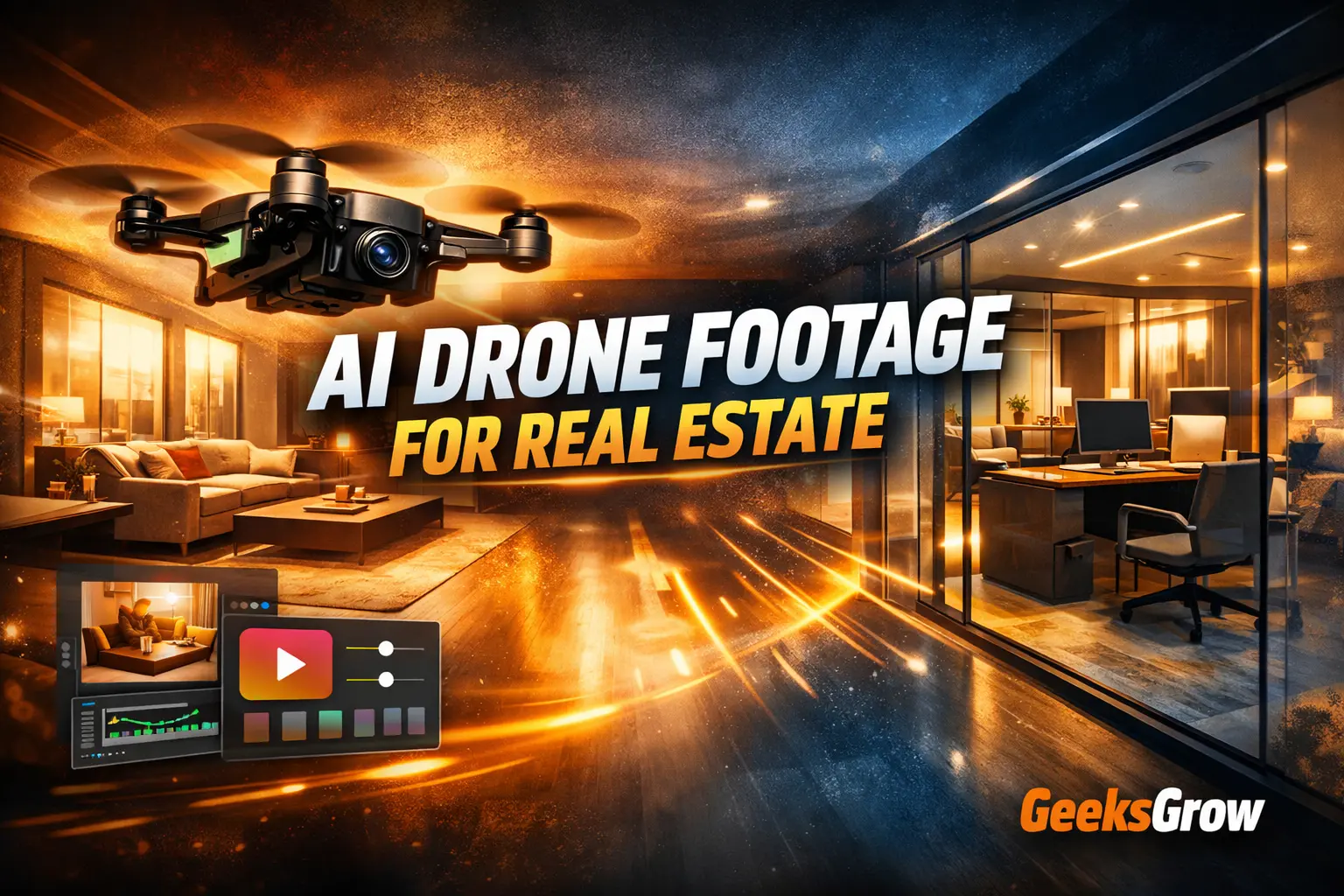
AI drone footage for real estate is quickly becoming one of the most practical upgrades local property dealers can make to their marketing. What once required expensive drones, skilled pilots, and multiple shooting days can now be created using images, AI tools, and well-written prompts.
I recently created a reel where I showed how to generate cinematic indoor drone-style videos for property dealers without flying a real drone. This blog post explains the full workflow in detail so creators, freelancers, and marketers can replicate it and turn it into a repeatable service.
Why AI drone footage for real estate works so well
Real estate marketing is visual first. Buyers decide whether a property feels premium within seconds. Static photos often fail to show flow, scale, and spatial depth. Handheld walkthrough videos rarely feel smooth or professional.
Indoor drone footage solves these problems by creating continuous movement through space. Traditionally, this required expensive equipment and carried risk when flown indoors. AI removes those barriers by simulating controlled camera motion using still images.
For local property dealers, the final output matters more than the production method. If the video looks clean, stable, and high-end, it performs better on social media and listing platforms.
Who this workflow is for
This process is ideal for:
- Content creators making reels and short-form videos
- Freelancers offering real estate media services
- Social media managers working with local businesses
- Property dealers who want better visuals without large budgets
You do not need filming experience. You need attention to detail, good prompts, and consistency.
Step 1: Find local property dealers and listings
Start with a simple Google search:
Property dealers near me
Open websites, Google Business profiles, and listing portals. Look for properties with:
- Clean interiors
- Good natural or mixed lighting
- Modern layouts
- Glass partitions, open lounges, or office spaces
Download the highest-quality interior images available. These images become the foundation of the entire workflow.
Step 2: Prepare images before video creation
Before generating motion, images must look balanced and premium. Poor exposure or color imbalance will carry into the final video.
Upload the selected images to your AI image tool and review them carefully. Check for uneven lighting, dull colors, or harsh contrast. Fixing these issues early improves the final output dramatically.
Step 3: Color grade images with a cinematic prompt
Color grading is the most important step in this process. It determines whether the final video feels amateur or professional.
Use the following prompt when color grading each property image.
Color grading prompt
Color grade this image to a clean, cinematic, high-end look while keeping it natural and realistic. Balance exposure properly with no blown highlights or crushed shadows, correct white balance for neutral tones, and apply a soft cinematic contrast curve. Enhance colors in a rich but controlled way (no oversaturation), keep skin tones natural if present, and make greens and blues look modern and premium, not neon. Add subtle depth and clarity without harsh sharpening, preserve fine textures and details, and avoid any fake HDR, heavy filters, color banding, noise, grain, or AI artifacts. The final result should feel polished, professional, and premium, suitable for high-quality social media or commercial use.
After processing, download the images at full resolution. These will be used as the start and end frames for the drone walkthrough.
Step 4: Create indoor drone footage using Google Flow
Once the images are color graded, upload them to This tool allows you to simulate realistic camera movement between two frames. The key is to describe motion, perspective, and lighting clearly so the output feels architectural and stable.
Indoor drone walkthrough prompt
Create a cinematic indoor drone-style real estate walkthrough using the first frame as the start and the second frame as the end.
A stabilized micro-drone at eye level glides slowly and continuously from the open lounge, passing cleanly through the glass partition into the office. Motion is smooth and elegant with natural parallax on furniture, glass, windows, and ceiling lights.
Keep perspective realistic, architectural lines straight, and avoid wide-angle distortion. Maintain consistent daylight-plus-warm interior lighting with subtle, stable glass reflections. No people, no jitter, no warping, no motion blur. The result should feel luxury, smooth, and professional, like a high-end real estate indoor drone walkthrough.
The result closely resembles an indoor drone shot captured with professional equipment, even though it is entirely AI-generated.
Step 5: Remove watermarks cleanly
Some AI tools export visuals with watermarks. Before delivering final assets, remove them carefully.
For video watermarks, use: https://unwatermark.ai/
For image watermarks, use: https://www.pixelbin.io/ai-tools/watermark-remover
Always review the final output frame by frame to ensure no visual artifacts remain.
How to sell this to local property dealers
Most local dealers do not care how the video is made. They care about how it looks and whether it helps sell property faster.
You can position this service as:
- Premium indoor drone videos for listings
- High-end reels for Instagram and Facebook
- Luxury walkthrough videos for websites
This workflow is fast, scalable, and easy to repeat. One good reel is often enough to convince a local dealer to try it.
Final thoughts
AI drone footage for real estate is not a gimmick. It is a practical solution for creators and marketers who want to deliver premium visuals without expensive hardware.
If you already create reels or short-form content, this workflow can become a reliable local service. With clean images, strong prompts, and careful finishing, the output looks professional, modern, and commercially usable. This is exactly why local property marketing is one of the best places to apply AI video tools right now.