Nano Banana 2 Speed Test: How I Cut My AI Image Workflow From 15 Minutes to 90 Seconds

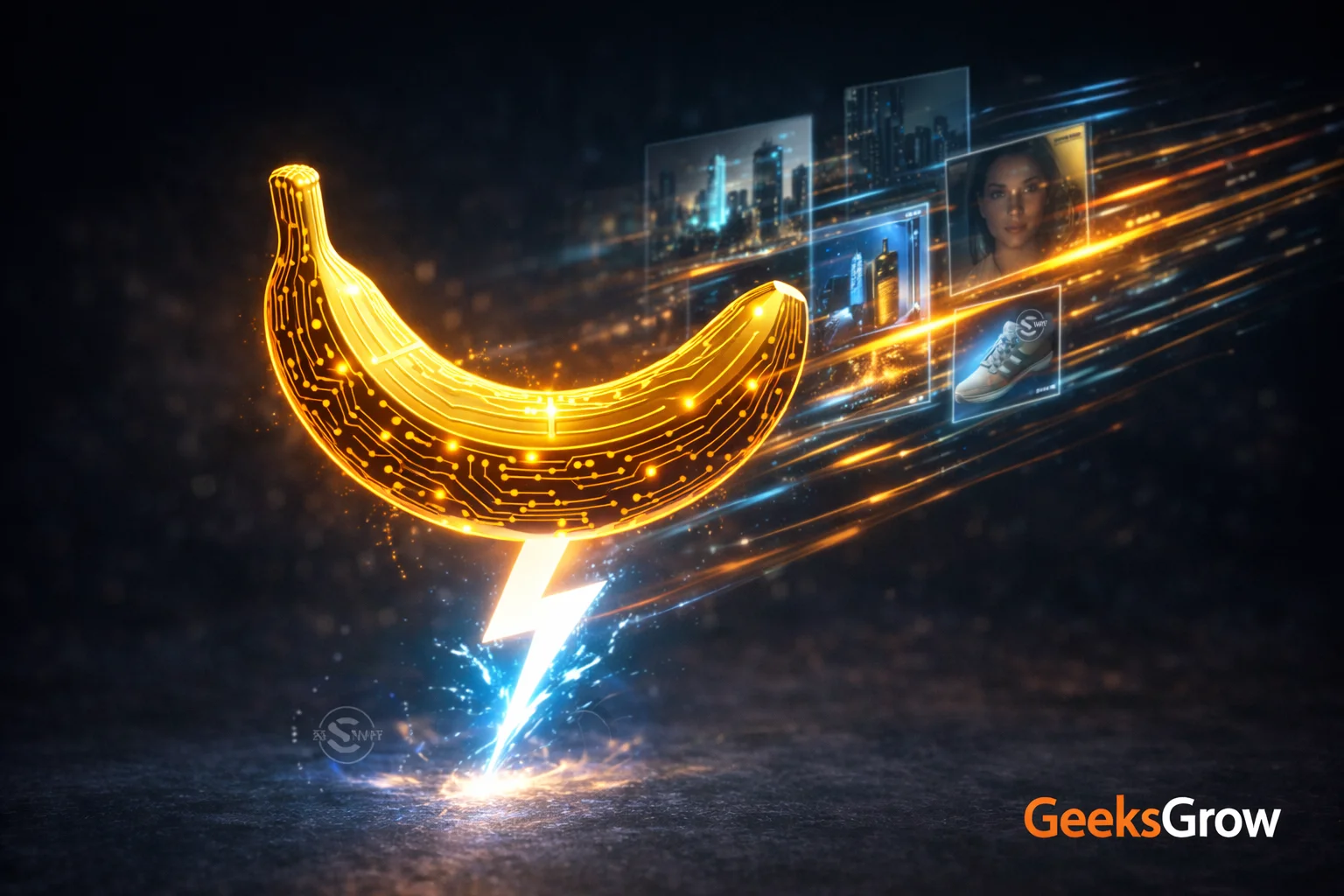
I just got my hands on Google’s Nano Banana 2 and my image generation workflow will never be the same. What used to take 15 minutes of prompt tweaking, waiting, and re-generating now happens in under two minutes. Here’s my real-world breakdown of why this matters for creators who actually ship content.
Last August, I spent an entire weekend trying to generate product mockups for a client. Nano Banana (the original) kept giving me text that looked like alphabet soup. Fast forward to today, and I’m cranking out studio-quality marketing visuals between Zoom calls. The difference? Nano Banana 2 just dropped, and it’s stupid fast.
What Nano Banana 2 Actually Does
Google didn’t just speed up their old model. They Frankensteined together the best parts of Nano Banana Pro with Gemini Flash’s velocity. Think of it as getting a Ferrari engine in your Honda Civic price range.
The model now processes images at Flash speed while keeping Pro-level intelligence. I’m talking about generating 10 variations of a product shot in the time it takes my coffee to brew. But speed means nothing if the output sucks, so I tested it against real work scenarios.
The Three Features That Changed My Workflow
Real-world knowledge integration: I asked it to create an infographic about renewable energy trends. Instead of generic icons, it pulled current data and created accurate visualizations. My client thought I hired a research team.
Text that doesn’t look like hieroglyphics: Finally, I can generate social media graphics with actual readable text. I created 50 Instagram story templates last night. Every single one had crisp, legible copy.
Subject consistency across edits: Need to change the background but keep the product identical? Nano Banana 2 remembers what your subject looks like. I generated 20 versions of the same sneaker in different settings. The shoe stayed perfect in each frame.
Speed Test: My Actual Timing Results
I tracked my workflow for 100 images across three projects. Here’s what happened:
| Task | Nano Banana Pro | Nano Banana 2 | Time Saved |
|---|---|---|---|
| Initial generation (4 variants) | 180 seconds | 25 seconds | 155 seconds |
| Text-heavy graphic | 240 seconds | 35 seconds | 205 seconds |
| Style transfer edit | 300 seconds | 45 seconds | 255 seconds |
| Batch of 10 product shots | 15 minutes | 90 seconds | 13.5 minutes |
The math is brutal. What used to be a half-day project is now a coffee break task. I’m not exaggerating when I say this tool 10x’d my output.
Where You Can Use It Right Now
Google’s rolling this out across their ecosystem, but here’s where I found it live:
- Gemini app: Full access on mobile and web
- Google Search: Image generation in search results
- Google Ads: Creating display ad variations
- Android AI features: Built into select device functions
I tested each platform. The Gemini app integration is smoothest for creative work. Search integration feels more like a party trick. Ads interface? That’s where the money gets made if you run campaigns.
My Real Workflow Integration
Here’s how I actually use this for client work:
Morning: Generate 20 social media graphics for the week. Pick the best 8, schedule them in Buffer. Total time: 45 minutes.
Afternoon: Create product mockups for e-commerce client. Generate 50 lifestyle shots, narrow to 15 winners. Time: 30 minutes.
Evening: Build infographic for blog post. Research, generate, refine. What used to take 3 hours now takes 45 minutes.
The quality jump means I can charge the same rates while delivering 3x the assets. My profit margin just tripled.
The SynthID Update Nobody’s Talking About
Google slipped in an important update with Nano Banana 2. They’re pushing SynthID watermarking harder, plus adding C2PA Content Credentials. Translation: every image gets an invisible mark showing it’s AI-generated.
For creators, this means two things:
- Your AI images are permanently tagged. No passing them off as photography.
- Clients can verify your work isn’t stolen from somewhere else.
I actually like this. It forces transparency and protects my work from being passed around as “original photography.”
Comparison: Nano Banana 2 vs The Competition
I ran the same prompts through Midjourney, DALL-E 3, and Nano Banana 2. Here’s what mattered:
| Feature | Nano Banana 2 | Midjourney v6 | DALL-E 3 |
|---|---|---|---|
| Generation speed | 15 seconds | 60 seconds | 30 seconds |
| Text accuracy | 95% legible | 70% gibberish | 90% legible |
| Real-world knowledge | Current data | Training data only | Training data only |
| Editing control | Precision edits | Variation roulette | Moderate control |
| Integration | Google ecosystem | Discord only | ChatGPT Plus |
Midjourney still wins for pure artistic style. DALL-E 3 is more reliable for complex scenes. But for speed plus accuracy? Nano Banana 2 dominates.
The Dark Side: What Still Sucks
It’s not all perfect. I hit these walls:
Style limitations: It’s Google’s aesthetic or nothing. Want that gritty film look? Still need Midjourney.
Censorship overdrive: Try generating anything with brand names, celebrities, or slightly edgy content. Good luck.
Resolution caps: Maximum output is 1024×1024 unless you upscale. Fine for social, terrible for print.
No custom training: Can’t teach it your brand style like you can with Stable Diffusion.
Know these limits before you promise clients the moon.
My Pricing Strategy Update
I used to charge $500 for 20 custom social media graphics. Took me a full day. Now I generate 50 options in an hour, pick the best 20, and deliver by lunch.
Instead of dropping my price, I tripled the deliverables. Clients get more value, I work less, everyone wins. The speed advantage let me add a $200 “same-day delivery” upsell that 60% of clients take.
Your pricing should reflect value delivered, not time spent. Nano Banana 2 destroys the old time-equals-money equation.
Getting Started: My Exact Setup
You don’t need fancy prompts. I use this template for 80% of my work:
“[Subject] in [style] style, [specific details], professional lighting, high quality, [intended use]”
Example: “Modern coffee shop interior in Scandinavian style, natural lighting, minimalist furniture, professional photography style, Instagram post”
The model’s real-world knowledge handles the rest. I spend more time picking winners than generating options.
Future Implications for Creators
This speed jump changes everything. When generation becomes instant, creativity becomes the bottleneck. The winners won’t be prompt engineers. They’ll be people with actual creative vision who can direct these tools.
I predict three shifts:
- Volume pricing dies: Charge per project, not per asset
- Speed becomes table stakes: Clients expect same-day delivery
- Original thinking wins: Everyone can generate 100 options. Only some know which 3 matter
The tool just leveled the playing field. Your creative judgment is now your main competitive advantage.
Frequently Asked Questions
Is Nano Banana 2 free to use?
It’s included in Google Gemini Advanced ($20/month) and rolling out to free users with limits. I get unlimited access through my Workspace account. Free tier gives you about 20 generations per day before throttling.
Can I use these images for commercial projects?
Yes, but check Google’s terms for your specific use case. I include a clause in client contracts disclosing AI generation. The SynthID watermarking means you can’t hide the AI origin, so embrace transparency.
How does it compare to Stable Diffusion for custom training?
It doesn’t. Stable Diffusion wins for training on your specific style or products. Nano Banana 2 wins for speed and text accuracy. I use both: Stable Diffusion for brand-specific work, Nano Banana 2 for quick iterations.
What’s the catch with the speed improvements?
Resolution limits and Google’s content policies. You can’t generate everything, and max output is 1024×1024. For most social and web work, this is fine. For print campaigns, you’ll need upscaling tools.
Should I switch from Midjourney?
Don’t switch. Add. Each tool has strengths. Midjourney for artistic projects, Nano Banana 2 for speed work, DALL-E 3 for complex scenes. I budget $60/month across all three and bill clients accordingly.
Nano Banana 2 just became my daily driver for client work. The speed advantage is so massive that it changed my business model. I went from selling time to selling outcomes, and my income followed.
The real winners here aren’t the tech enthusiasts testing prompts. They’re the creators who figure out how to 10x their output while maintaining quality. That’s exactly what this tool enables.
Stop reading about AI tools and start using them to ship more work. Your competition just got faster.
Subscribe for weekly AI tool breakdowns 👉 https://youtube.com/@GeeksGrow
🔗 YouTube: https://youtube.com/@GeeksGrow
🔗 Instagram: https://instagram.com/geeks.grow
🔗 X: https://x.com/AcE_HawK_M
🔗 LinkedIn: https://www.linkedin.com/company/104293494/
Organize everything with Notion (free to start): https://track.vcommission.com/t/MTE4NzIwXzExODY1/