How to Create Viral Baby Fruit AI Videos Using Google Gemini and Google Flow (Step-by-Step Guide)

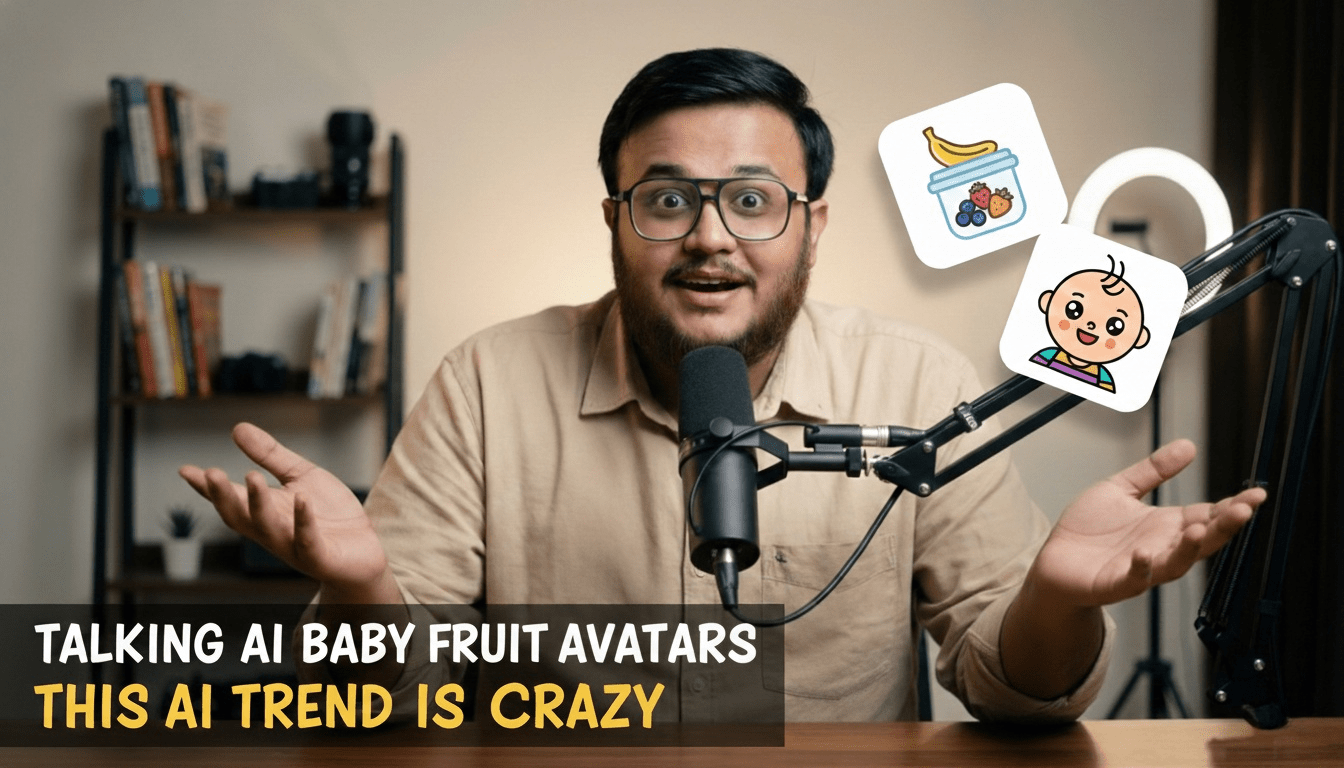
You’ve seen fruits on your plate. But have you ever seen a baby strawberry eating itself?
Sounds strange. Looks adorable. And yes, it’s going viral.
Baby fruit AI videos are exploding across YouTube Shorts, Instagram Reels, and TikTok. Tiny hyper-realistic fruit characters with cute faces, big eyes, little arms, and natural fruit texture. Sitting on a wooden table. Being fed a slice of themselves. Laughing like actual babies.
And the crazy part? You can create these viral baby fruit AI videos in under 15 minutes using Google Gemini and Google Flow.
In this complete guide, we’ll show you the exact workflow, the prompt strategy, and ready-to-use WordPress code blocks you can copy instantly.
Why Baby Fruit AI Videos Are Going Viral
Short-form content thrives on three things: novelty, emotional reaction, and loopability.
- Novelty: A strawberry baby eating a strawberry slice? That’s unexpected.
- Emotional reaction: Cute triggers dopamine. Instantly shareable.
- Loopability: Short animations with subtle movements increase replays.
Baby fruit AI videos hit all three.
They combine Pixar-style realism with absurd creativity. That contrast makes people stop scrolling.
Now let’s break down the exact workflow.
Complete Workflow to Create Baby Fruit AI Videos
Step 1: Create Your Baby Fruit Image in Google Gemini
Open Google Gemini.
This is where your baby fruit character is born.
The key is specificity. Do not write vague prompts like “cute fruit baby.” That won’t work.
You must describe:
- Fruit texture
- Skin details
- Natural shine
- Seeds or leaves
- Lighting style
- Camera depth
- Emotion
The more detailed your prompt, the more ultra-realistic the output.
Keep regenerating until the character looks expressive and believable. That image becomes your base frame.
Step 2: Animate the Image in Google Flow
Now upload that image into Google Flow.
Select “Frames to Video.”
This is where motion matters.
Instead of writing “make it move,” describe specific actions:
- Mouth opening slowly
- Small head tilt
- Blinking eyes
- Subtle light shift
- Chewing motion
Micro-movements make the animation feel real.
Flow will render a short cinematic clip in 4K smooth motion.
The Secret to Viral Baby Fruit AI Videos: The Prompt Structure
Honestly, most people fail here.
The difference between creepy and cute is in the wording.
Your prompt must clearly state that:
- The baby’s entire body is made of the fruit itself
- The texture matches real fruit skin
- No costume, no doll effect
- Lighting is cinematic and warm
Below is a fully customizable prompt template you can paste directly into WordPress.
Custom Baby Fruit AI Prompt Template (WordPress Code Block)
Replace [Change fruit HERE] with your chosen fruit name.
TEXT-TO-IMAGE PROMPT ultra-realistic close-up of a cute [Change fruit HERE] baby sitting on a wooden table, being gently fed with a small spoon containing a piece of [Change fruit HERE]. the baby's entire body is made completely from the natural texture of the fruit itself, not a costume. the head is perfectly shaped like the fruit with authentic skin texture, natural shine, seeds, and color variations typical of real [Change fruit HERE]. the face (eyes, nose, mouth) is softly blended into the fruit surface, smiling and laughing playfully like a real baby. tiny arms and legs are short, chubby, and made from the same fruit texture. natural leaves or stem details grow from the top of its head. cinematic macro lighting, shallow depth of field, warm wooden kitchen setting, Pixar-style hyperrealism, ultra-detailed 8K render. Negative Prompt: human costume, doll, creepy, mask, toy, plastic, watermark, text, low-quality, unrealistic lighting. IMAGE-TO-VIDEO PROMPT A short cinematic macro animation of a baby [Change fruit HERE] sitting on a wooden table. The baby opens its tiny fruit-textured mouth and is gently fed a small spoon containing a piece of the same fruit. After tasting it, the baby laughs playfully and its expression shifts from curiosity to happiness. Add subtle head movement, blinking eyes, gentle chewing motion, and slight natural light shifts across the fruit skin texture. Style: Pixar-style realism, soft natural lighting, ultra-detailed, 4K smooth motion, shallow depth of field. How to Make Your Baby Fruit Video Go Viral
Creating baby fruit AI videos is easy. Making them viral requires strategy.
1. Hook in the First 2 Seconds
Start with: “Have you ever seen a baby mango eating itself?”
2. Add Sound Design
Soft chewing sounds, baby giggles, spoon clinks. These increase watch time.
3. Keep It Short
7 to 12 seconds performs best for Shorts and Reels.
4. Ask a Question
“Which fruit should I animate next?”
Engagement boosts distribution.
Best Fruits to Try First
- Strawberry
- Mango
- Watermelon
- Blueberry
- Kiwi
- Cherry
Fruits with strong texture and vibrant color perform better visually.
Final Thoughts
Baby fruit AI videos combine creativity, storytelling, and AI tools in a way that feels fresh.
Gemini handles image precision.
Flow brings it to life.
And your prompt determines whether it looks magical or awkward.
Start simple. Experiment with fruits. Adjust lighting descriptions. Test reactions.
And most importantly, have fun with it.
If you’re building an AI content brand, this format is a goldmine for short-form growth.
So here’s a question for you.
Which fruit would you animate first?