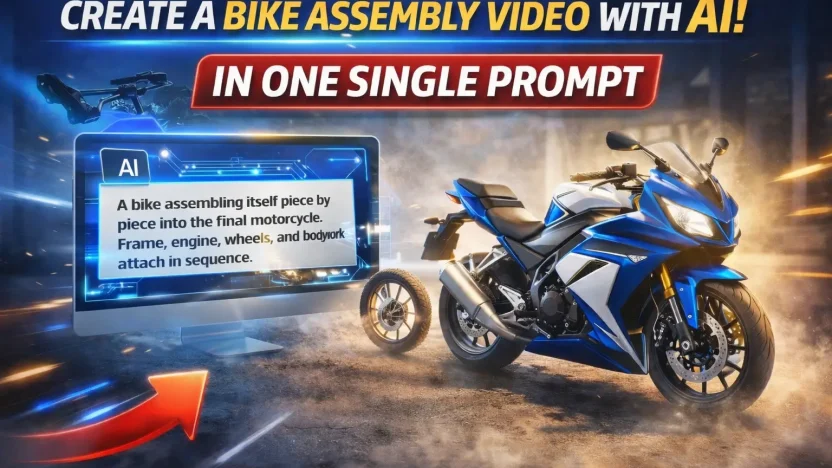
AI-generated assembly animations are everywhere right now, and the bike assembly trend is one of the most eye-catching formats on social media. If you have seen motorcycles or bikes assembling themselves piece by piece in ultra-realistic motion, you are looking at the result of a well-crafted AI prompt.
In this guide, you will learn how to use a viral bike assembly prompt with Google Flow to create a realistic, cinematic animation using either your own bike image or an image sourced from Google.
This method requires no advanced animation skills and works perfectly for short-form content on platforms like TikTok, Instagram Reels, and YouTube Shorts.
Why Bike Assembly Animations Go Viral
Bike assembly animations perform well because they combine precision, motion, and satisfaction. Watching parts come together in a smooth, mechanical sequence keeps viewers engaged and increases watch time.
These videos also feel premium and futuristic, which makes them highly shareable. When paired with the right prompt and a clean reference image, the results can look almost indistinguishable from real cinematic footage.
What You Need Before You Start
To create your own viral bike assembly animation, you will need the following:
- A clear image of a bike or motorcycle
This can be your own bike photo or a high-quality image from Google. Make sure it is well lit and shows the full bike from a single angle.
- Access to Google Flow
Google Flow is where the prompt will be used to generate the animation sequence.
- A detailed and structured prompt
This is the most important part. The prompt controls realism, motion timing, camera behavior, and final accuracy.
How to Use the Viral Bike Assembly Prompt
Start by choosing your bike image. The final assembled bike in the animation will match this image, so select one with good proportions and minimal distortion.
Next, open Google Flow and upload your chosen bike image as the reference or end frame.
Then paste the following viral bike assembly prompt into Google Flow:
A photorealistic, cinematic sequence of a self-assembling bike in the center of a textured concrete floor. The process begins with the frame, followed sequentially by the engine, wheels, and bodywork, attaching with precise mechanical motion. Only one major component attaches at a time. Motion is continuous and eased, with subtle motion blur, controlled air movement, and realistic ground dust interaction. The camera and lighting remain completely locked. The assembly completes seamlessly into the final frame, with the motorcycle perfectly matching the end image in position, scale, proportions, and orientation, fully realistic as dust slowly settles.Once submitted, Google Flow will generate an animation where the bike assembles itself step by step in a cinematic and realistic way.
Why This Prompt Works So Well
This viral bike assembly prompt is effective because it removes ambiguity. It clearly defines:
- The order of assembly
- The realism level
- Camera and lighting consistency
- Motion behavior and pacing
- The exact match to the final reference image
By locking the camera and lighting and controlling how each part attaches, the animation feels intentional rather than chaotic. The dust interaction and motion blur add realism without overpowering the scene.
Tips for Better Results
Use high-resolution images whenever possible
Avoid cluttered backgrounds in your reference image
Keep the bike centered and straight
Test small variations if needed, but keep the core prompt intact
Small changes to wording can affect realism, so start with this exact prompt before experimenting.
Final Thoughts
Creating a viral bike assembly animation no longer requires expensive software or professional animation skills. With a strong reference image, Google Flow, and the right viral bike assembly prompt, you can produce cinematic results that are perfect for social media.
This approach works for personal bikes, product showcases, brand content, and creative experiments. If you want to stand out with AI-generated visuals, this is one of the most effective formats you can use right now.