Google Just Turned Every Chrome Tab Into a Free AI Coworker for India’s Creators

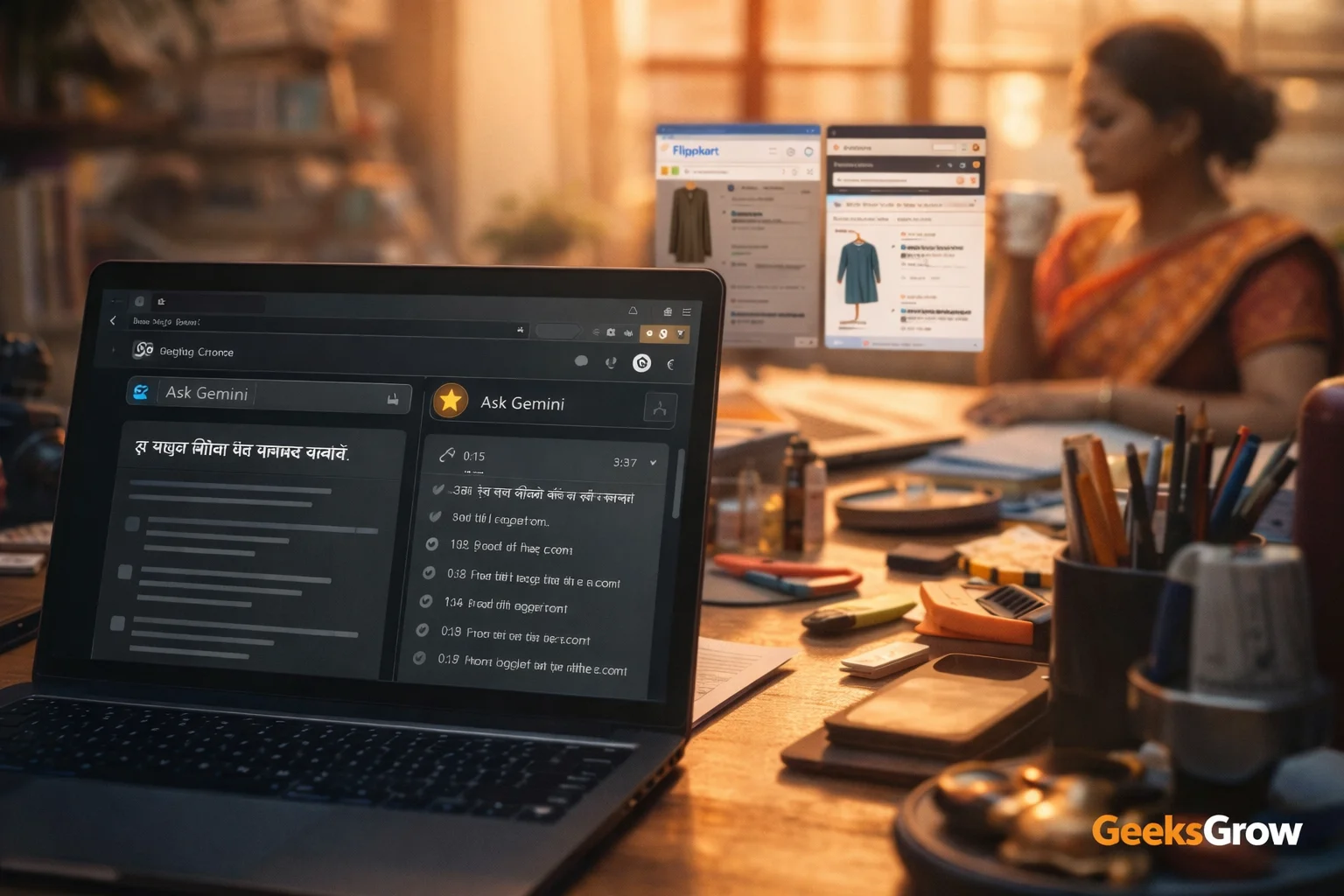
I woke up this morning, opened Chrome, and noticed a tiny new icon sitting on my tab bar. One click later I realized Google had quietly dropped a multilingual AI intern straight into my browser. No extension to install, no beta waitlist, no rupee spent. If you create content, freelance, or run a one-person business out of Chrome, this is the fastest workflow upgrade you’ll get all year.
Here’s the deal: Gemini in Chrome is now live for India, Canada, and New Zealand. It speaks Hindi, Bengali, Gujarati, Kannada, Malayalam, Marathi, Telugu, and Tamil plus English. You can ask it to summarize the YouTube video you’re watching, compare two product tabs while you shop, or draft a client email without ever leaving the page. I’ll show you exactly what’s new, what’s actually useful, and the quickest ways to test it before everyone else catches on.
What Just Landed in Your Browser
Google flipped the switch on Wednesday. If you’re on Chrome desktop in India, look at the top-right corner of any tab. An “Ask Gemini” icon now appears next to your profile picture. Tap it and a slim sidebar slides open. That sidebar is a full-blown Gemini session that can:
- Read the page you’re on and answer questions about it
- Pull data from your Gmail, Drive, Keep, Calendar, Maps, and YouTube
- Compare content across multiple open tabs
- Draft and send Gmail replies without jumping tabs
- Summarize a YouTube video and give you timestamped bullet points
- Transform room photos with the Nano Banana 2 image model to preview furniture
On iOS, the same powers show up behind the page-tools icon in the address bar. Desktop or mobile, you stay inside Chrome the whole time.
Why This Matters for Solopreneurs
Most of us already live in Chrome. We research in one tab, write in Google Docs next door, and keep YouTube open for reference. The new sidebar removes the copy-paste dance. You can highlight a stat on a competitor’s blog, ask Gemini to fact-check it against your own Drive deck, and drop the verified number straight into a client slide. Three clicks, zero tab switching.
The multilingual support is the real kicker. I can brainstorm Hindi video titles while watching an English tutorial, or create a Marathi newsletter draft from a Gujarati product page. No extra translation tool needed.
5 Workflows to Try Today
Don’t overthink it. Pick one of these and run it right now. You’ll feel the speed difference in under 60 seconds.
1. Summarize a 20-Minute Tutorial While You Watch
Open any YouTube tutorial. Click “Ask Gemini” and type “pull the key steps with timestamps.” You’ll get a neat bullet list that you can paste into your video description or Notion cheatsheet.
2. Compare Two Affiliate Products Side-by-Side
Keep two Amazon product tabs open. In the sidebar type, “compare these two tabs for price, specs, and best use case.” Gemini returns a tidy comparison table you can drop straight into your blog or WhatsApp broadcast.
3. Turn a Room Photo Into a Swipe-Worthy Before/After
Shopping for a new desk? Upload a photo of your room, type “add this desk to the image,” and Nano Banana 2 generates a styled shot. Save it for an Instagram Reel or client mood board.
4. Draft a Follow-Up Email From a Calendar Invite
Open Google Calendar, click the meeting, then “Ask Gemini.” Type “write a follow-up email thanking them for the intro and proposing next steps.” Gemini pulls attendee names from Gmail and drafts the message. Hit send without leaving the tab.
5. Create a Quick Quiz From a Blog Post
Found a dense article you want to share with your audience? Ask Gemini to “create a five-question quiz to test if readers actually understood it.” Copy the quiz into Google Forms and you’ve got instant engagement.
Desktop vs iOS: What You Get Where
| Feature | Chrome Desktop (India) | Chrome iOS (India) | |
|---|---|---|---|
| Ask Gemini icon location | Tab bar, top-right | Address bar page-tools icon | |
| Multilingual support | Yes, 8 Indian languages | Yes, 8 Indian languages | |
| Cross-tab compare | Yes | Yes | |
| Gmail, Drive, Calendar access | Yes | Yes | |
| Nano Banana 2 image transform | Yes | Not mentioned | |
| Agentic browser automation | No (U.S. Pro/Ultra only) | No |
The Limits You Should Know
Google is keeping the fancy “agentic” mode, where the AI actually clicks buttons for you, locked to U.S. paying customers for now. That means no auto-form-filling or checkout bots in India yet. Also, Nano Banana 2 runs inside the sidebar but isn’t a standalone desktop app. And if your internet drops, the sidebar goes blank, so don’t count on offline magic.
How to Switch It On
- Update Chrome to the latest version.
- Look for the “Ask Gemini” icon on any tab. If you don’t see it, sign into your Google account and refresh.
- Click the icon, choose your language in the welcome screen, and grant permission to access Gmail, Drive, and Calendar when prompted.
- That’s it,no waitlist, no credit card.
On iOS, open Chrome, load any page, tap the three-dot menu in the address bar, and look for “Ask Gemini” in the page-tools list.
Organize everything with Notion (free to start): https://track.vcommission.com/t/MTE4NzIwXzExODY1/

Frequently Asked Questions
Is Gemini in Chrome free in India?
Yes. The sidebar feature costs nothing and you don’t need a paid Gemini plan to use it.
Which Indian languages work?
Hindi, Bengali, Gujarati, Kannada, Malayalam, Marathi, Telugu, and Tamil are fully supported alongside English.
Can it read my Gmail without me asking?
No. Gemini only accesses Gmail when you explicitly ask it to, and you must grant permission the first time.
Does it work offline?
No. The sidebar needs an active internet connection.
Will Google phase out the separate Gemini web app?
Google has not announced any plan to sunset the standalone Gemini chat interface.
Can I turn the feature off?
Yes. Click the icon again and choose “Disable” or manage permissions in Chrome settings.
My Take: Why I’m Moving Fast
I’ve tested a pile of AI browser extensions. Most want a monthly fee, sell your data, or inject random chat bubbles on every site. Google’s built-in sidebar skips all that. It already knows my Calendar, speaks my mother tongue, and doesn’t cost a rupee. The sooner you wire it into your daily workflows, the bigger the head start you get over creators still copy-pasting into ChatGPT.
Open Chrome, click “Ask Gemini,” and run one of the five workflows above. By the time your competition reads this post, you’ll already have three extra pieces of content and a tidy comparison table in your back pocket. That’s the kind of first-mover edge I like.
See you on the creator leaderboard.
🔗 YouTube: https://youtube.com/@GeeksGrow
🔗 Instagram: https://instagram.com/geeks.grow
🔗 LinkedIn: https://www.linkedin.com/in/varun-bhambhani-customer-specialist/